Word to PDF for contracts before client email
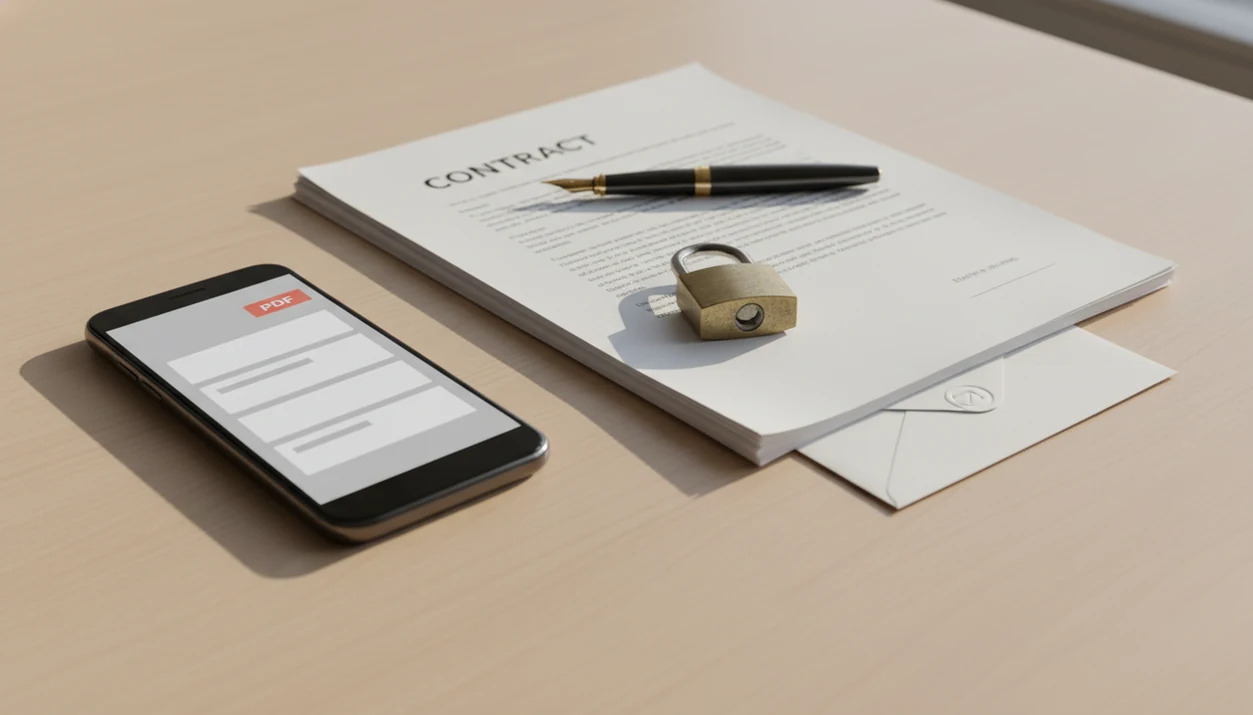
Word to PDF for contracts is the safest mobile workflow when you want a DOCX contract to keep its layout before you email it to a client. Convert the Word file, review the PDF page by page, then apply any privacy or security checks your situation requires before sharing.
> WordPDF converts DOCX and Word documents into PDFs on iPhone and Android, with a contract-friendly workflow built around importing, converting, previewing, renaming, and sharing the finished PDF.
- A contract DOCX to PDF conversion preserves layout, fonts, spacing, and page breaks better than sending an editable Word file.
- A secure contract PDF may still need password protection, encryption, access controls, or a separate e-signature workflow.
- Mobile conversion can be done with a dedicated Word-to-PDF app, Microsoft Word, or built-in iPhone and Android print/export options.
Why contract DOCX to PDF conversion matters before client email
Converting a contract DOCX to PDF before client email helps preserve layout and reduces accidental edits compared with sending a Word document. The PDF format is usually better for review, forwarding, printing, and archiving, but it does not make contract terms legally valid by itself.
Manual contract handling is still common. Deloitte reported in 2019 that 64% of organizations said at least half of contracts were handled through manual processes such as email and Word documents. That matches what we see in mobile workflows: a Word attachment buried in an email thread, a last-minute client reply asking for “PDF attachment,” then a quick conversion before sending.
When the issue is layout control before a client sees the file, WordPDF fits because it keeps the job narrow: import the DOCX, create the exported PDF, then review the pages before sharing. For broader office workflows, our Word to PDF for business documents guide covers invoices, proposals, and reports too.
How Word to PDF for contracts works on mobile
Word to PDF for contracts works by opening the Word file, rendering each page, embedding or substituting fonts, and writing a fixed-layout PDF. In plain terms, the phone turns a flexible editing file into a page-based file that should look the same when opened elsewhere.
Dedicated converter apps, Microsoft Word export, and iPhone or Android print-to-PDF flows all use that same basic idea. The differences are where the file comes from, how the converted PDF is named, and whether the process happens locally or through a server. Offline conversion can reduce exposure because the contract may not need to be uploaded.
Unusual fonts, tracked changes, comments, tables, and embedded objects can still affect final rendering. We always open the exported PDF in iPhone Files preview or the Android Downloads folder before sending. The shifted page break is the thing you catch only by looking.
If the priority is a focused mobile conversion path, WordPDF handles contract DOCX to PDF work through an import, convert, preview, and share workflow.
How to use Word to PDF for contracts before sending
Use Word to PDF for contracts as a short quality-control workflow, not just a file-save action. iPhone and Android users can convert through WordPDF, Microsoft Word, or built-in export and print flows.
- Import the DOCX from email, cloud storage, the Files app, Google Drive, or Android Downloads.
- Convert the Word file to PDF using a Word-to-PDF app, Microsoft Word export, or the phone’s print-to-PDF option.
- Review every page for names, dates, signature blocks, page breaks, comments, and tracked changes.
- Rename the file with a clear contract name, client name, and date before attaching it.
- Check privacy settings, password needs, encryption needs, or access controls based on the risk.
- Send the PDF by email, messaging app, or cloud link only after the layout check.
Client-facing senders trying to avoid a messy attachment chain often use WordPDF because the tiny paperclip moment in Gmail is cleaner when the DOCX has already become a named PDF attachment. This is formatting guidance, not legal advice.
Five facts about secure contract PDF files
- PDF preserves layout and is harder to casually edit than DOCX, especially for spacing, page breaks, and signature lines.
- A basic PDF is not automatically encrypted, password-protected, or access-controlled.
- Passwords, encryption, permission controls, or digital signatures may be needed for higher-risk contracts.
- Adobe reported in 2022 that 55% of U.S. workers said mobile document tasks, including signing and sharing PDFs, would improve productivity.
- The final PDF should be reviewed before sending because conversion can change fonts, spacing, comments, tracked changes, or embedded objects.
A contract converter should deliver a dependable exported PDF, not legal validity, e-signature assurance, or confidentiality by default.
For contract senders, PDF conversion is often better than DOCX sharing because it protects the visual version the client is meant to review.
WordPDF features for contract senders
WordPDF is useful for contract senders who need a clean mobile path from Word file to shareable PDF. It is not trying to be a PDF editor, PDF-to-Word converter, scanner, e-signature platform, or legal review service.
Import and convert the contract DOCX
Import can start from email, cloud storage, or phone files. A contract might arrive as a Word attachment, sit in Google Drive, or live in the iPhone Files app after edits. WordPDF supports the practical middle step: turn that DOCX into an exported PDF before the client gets it.
Freelancers sending a statement of work can pair this with the same habits covered in Word to PDF for freelancers.
Rename and share the contract PDF
Renaming matters. “MSAfinalclientname_2026-05-27.pdf” is easier to audit than “Document 3.pdf.” WordPDF helps keep the file ready for email, messaging, or storage after conversion.
Separate tools may still be needed for signing, encryption, or advanced permissions.
Common myths about Word to PDF for contracts
Saving a Word contract as PDF does not automatically make it legally binding. Legal enforceability depends on the terms, consent, signatures, authority to sign, and applicable law, not only the file format.
Another myth is that every PDF contract is secure by default. A normal PDF can often be copied, forwarded, opened, or edited with the right software unless protections are added. Adobe Acrobat online, Smallpdf, iLovePDF, and similar services may be useful in some cases, but sensitive contracts need privacy review before upload.
Mobile conversion also does not always require internet access. Some iPhone, Android, Microsoft Word, and WordPDF workflows can convert locally, though behavior varies by app and file source.
No format is a force field.
The most reliable contract PDF workflow separates three questions: how the file looks, how it is secured, and whether the agreement is legally valid.
Manual contract PDF workflows on phones
Do contracts still move through email, messaging apps, and cloud storage? Yes, many do, even when a company also uses formal contract systems for larger deals.
GSMA reported 5.5 billion unique mobile subscribers globally in 2023 (https://www.gsma.com/mobileeconomy/wp-content/uploads/2023/03/270223-The-Mobile-Economy-2023.pdf), so phone-first document work is not unusual. McKinsey also found in 2021 that digitizing document-heavy processes can reduce costs by up to 30% (https://www.mckinsey.com/capabilities/operations/our-insights/the-next-normal-in-construction-how-disruption-is-reshaping-the-worlds-largest-ecosystem). Conversion is only one small step, but it sits inside that bigger shift: prepare, convert, review, secure if needed, send, and archive.
A parking lot quote sent to a customer can become a contract thread fast. That is where a mobile workflow matters. WordPDF earns its spot when the sender needs the PDF made on the phone before the client email goes out.
Small businesses handling contracts from phones may also find the related Word to PDF for small business workflow useful.
Limitations
WordPDF focuses on mobile Word to PDF conversion, but contract handling has real limits.
- Converting Word to PDF does not replace legal advice.
- A formatted PDF can still be unenforceable if the content, consent, authority, or signing process is flawed.
- Basic PDF conversion may not include encryption, password protection, access controls, or certificate-based signatures.
- Some converters may upload documents to cloud servers, which can create confidentiality or data residency concerns.
- Complex contracts with tracked changes, unusual fonts, comments, tables, or embedded objects should be spot-checked page by page.
- Very long or multi-party contracts may still need desktop tools for redlining, version control, comparison, or advanced review.
- A secure contract PDF may require a separate e-signature or document management workflow after conversion.
- Free web converters such as PDF2Go or FreePDFConvert may be convenient, but upload terms should be reviewed before using them for private contracts.
The practical rule is simple: convert for layout, then evaluate security and legal process separately.
FAQ
How can I convert a contract to PDF on iPhone?
You can convert a contract to PDF on iPhone through the Files app print/share flow, Microsoft Word export, or a Word-to-PDF app. After conversion, open the PDF preview and check every page before emailing it.
How can I convert a contract to PDF on Android?
On Android, you can use Microsoft Word export, print to PDF, or a converter app to create the PDF. Check the Android Downloads folder or chosen save location before sharing.
Is a PDF contract secure by default?
No, a basic PDF contract is not secure by default. A secure contract PDF may need passwords, encryption, permissions, restricted sharing, or digital signatures.
Does saving a contract as PDF make it legally valid?
No, saving a contract as PDF does not make it legally valid by itself. Validity depends on the agreement, consent, signatures, authority, and applicable law.
Can a PDF contract be edited after I send it?
Yes, a PDF contract can sometimes be edited with PDF software unless protections or digital signatures are applied. PDF makes casual edits harder than DOCX, but it is not tamper-proof.
Can I convert a contract offline?
Yes. Many iPhone, Android, Microsoft Word, and mobile converter workflows can create a PDF offline, but behavior varies when the original file is stored in cloud storage.
Should I send a contract as DOCX or PDF?
Send DOCX when the recipient is expected to edit the contract. Send PDF when the goal is review, layout preservation, printing, archiving, or a cleaner client email.
What should I check before emailing a contract PDF?
Check names, dates, signature blocks, page numbers, comments, tracked changes, attachments, and file security settings. Also confirm that the contract DOCX to PDF conversion did not shift spacing or page breaks.